Veyneo · Privacy verification
Verify a PDF tool’s upload boundary
Use a non-sensitive PDF and test the tool’s behavior yourself. A small analytics request and a document upload are different things.
Production test record
2026-10-01T13:44:17.741Z · Chrome 154.0.8037.59 · win32 10.0.26200 x64
Three sampled tools · online and offline · synthetic PDFs
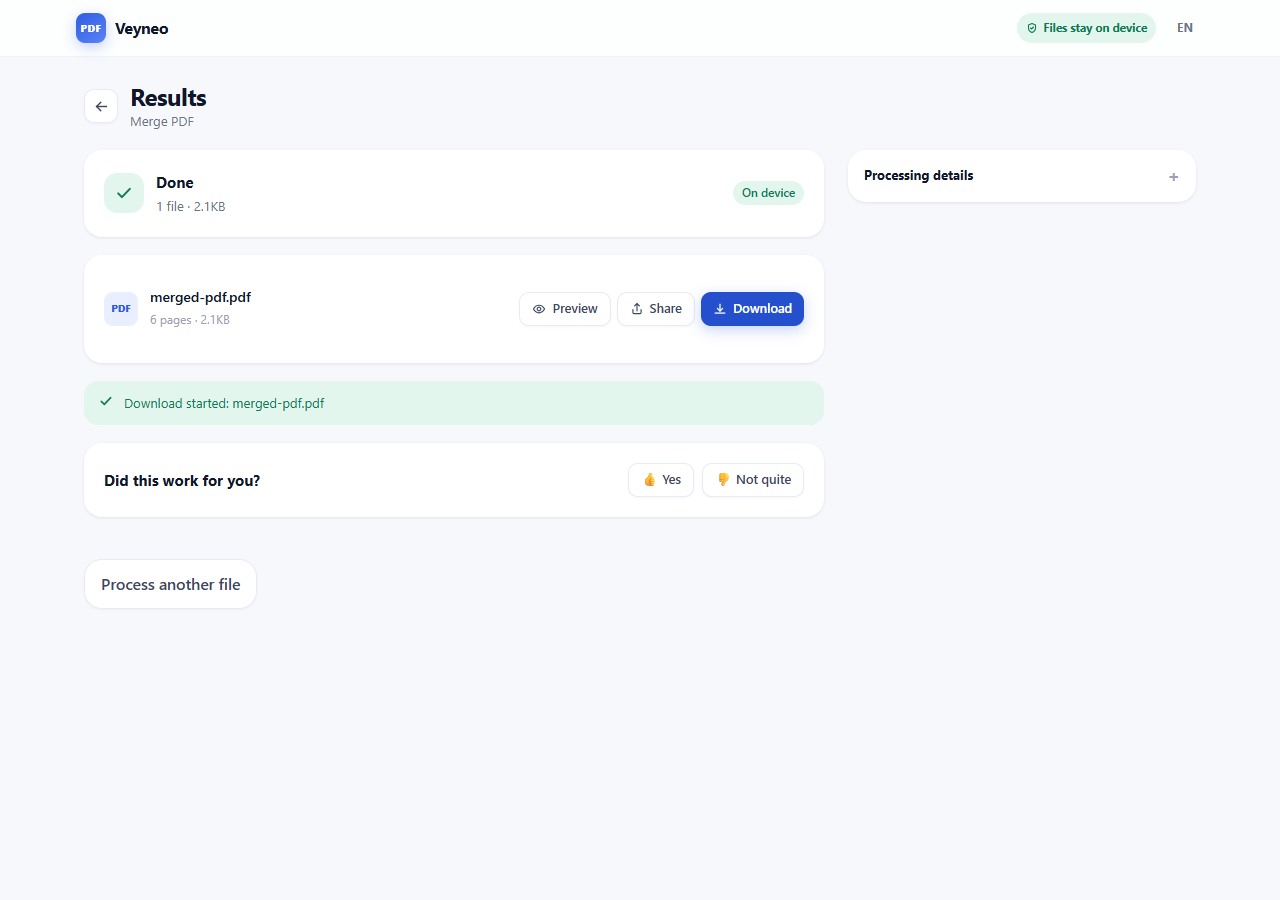
6/6 downloaded outputs passed page-count checks. No document content detected in captured request bodies.
| Tool | Mode | Pages | Bytes |
|---|---|---|---|
| merge-pdf | online | 6 / 6 | 2110 |
| split-pdf | online | 2 / 2 | 1149 |
| extract-pdf-pages | online | 2 / 2 | 1149 |
| merge-pdf | offline | 6 / 6 | 2110 |
| split-pdf | offline | 2 / 2 | 1149 |
| extract-pdf-pages | offline | 2 / 2 | 1150 |
Read the request / output record (JSON)
Tested build fingerprint: index-Ddsii6hH.js
1. Prepare a non-sensitive sample
Open the tool online and wait until it is ready. Open browser DevTools → Network, select all request types and clear the request list. Keep the log when navigation is involved.
Use a synthetic document with a recognizable filename and unique text. Do not use a confidential document for a first inspection.
2. Inspect file selection
Select the PDF without starting processing. Inspect every new request, including POST, PUT and PATCH, as well as GET query strings.
Look at the URL, headers, request payload and timing. Check for multipart file parts, PDF bytes, Base64 document data, filenames, local paths, extracted text or page-image data. Transfer size alone is not a sufficient test.
3. Inspect processing and download
Clear the log again, start processing and keep recording through the result and download.
Veyneo may send /api/analytics/events while online. Review the payload: route/tool, anonymous identifiers, device class, count/size/page buckets, timings and outcomes are telemetry. Error diagnostics may contain exact file count, input bytes and page count; those are disclosed metadata, not the source PDF.
Cloudflare /cdn-cgi/rum requests also appeared in our production capture. Inspect these performance payloads separately instead of assuming every POST is a file upload.
4. Disconnect before choosing the file
Reload the tool online and wait until ready. Disconnect the device or select Offline in browser DevTools before choosing the document. Run the operation and download the result.
Successful processing in that disconnected context shows that this operation did not need a remote processing request at that moment. Analytics may still be attempted and fail while offline.
5. Check the result and repeat
Open the downloaded file and check its pages, order and content. A completed progress indicator alone does not establish that the output is valid.
Repeat after major releases, when switching tool or device, and before using any Cloud/AI feature. Offline capability is one piece of evidence; it does not prove that the online path has no telemetry or uploads.
This dated capture samples three tools, desktop Chrome and small synthetic PDFs; it does not establish every device, large-file case or future version.